.jpg)

AI Agent Context Feature
Onlook is building a AI powered visual-first IDE for prototyping—similar to Lovable, Magic Patterns, and Figma Make.
Designed and shipped a context-adding feature in the prompt window enabling users to inject contextual information into AI prompts.
Challenge and Background
Challenge
To enable users to effortlessly add contextual information to prompts for more accurate, relevant results in Onlook's Design-IDE AI Chat Interface.
Context
While working at Onlook, I relied heavily on Notion, Cursor, and Slack. I became accustomed to using the '@' feature to add context in those tools that I found myself instinctively trying to use it while prompting in Onlook.
This friction sparked a hypothesis: if I have this muscle memory, our users likely do too.
Concept Map: Initial Problem Space Understanding
Problem Discovery & Validation
Current state experience example
*another example of adding context in the "current state" includes copying the entire block of code for the header component which adds more specificity, but is a poor UX.
Validating the problem
- Conducted extensive product testing to understand the current state friction of adding context to prompts
- Interviewed and observed users to understand the most commonly referenced contextual items and their process for adding them
- Surveyed Onlook's Discord community to understand current state pain points related to adding context to AI Chats
Key findings
- Manual retrieval forces users to switch contexts, breaking the flow required for rapid, iterative prototyping.
- Users most frequently need to reference code components (e.g., headers) and brand styles (e.g., colors, fonts).
- To speed up multi-turn prompting, users need quick access to their most recently used context.
Solution Ideation
Design principles
-
Leverage Familiar Patterns: Minimize the learning curve by adopting the interaction models users already rely on in tools like Cursor, Notion, and Slack.
Balance Human-User Needs with Agent Requirements: Create a simple abstracted interface for users while ensuring the agent receives the deep, structured context it needs to perform accurately.
Design Exploration
Prototyping & Testing
Functional Prototype
I built a functional prototype of the AI Agent Context Feature in code using Onlook's own tool. I then used this prototype to conduct usability tests with users.
Final Conceptual Model
Results
Outcome
AI Agent Context Adding Issue Resolved: Users now can seamlessly integrate context into AI-agent-prompts without interrupting their flow, resulting in an improved user experience, productivity, and increased agent performance.
Final solution in production
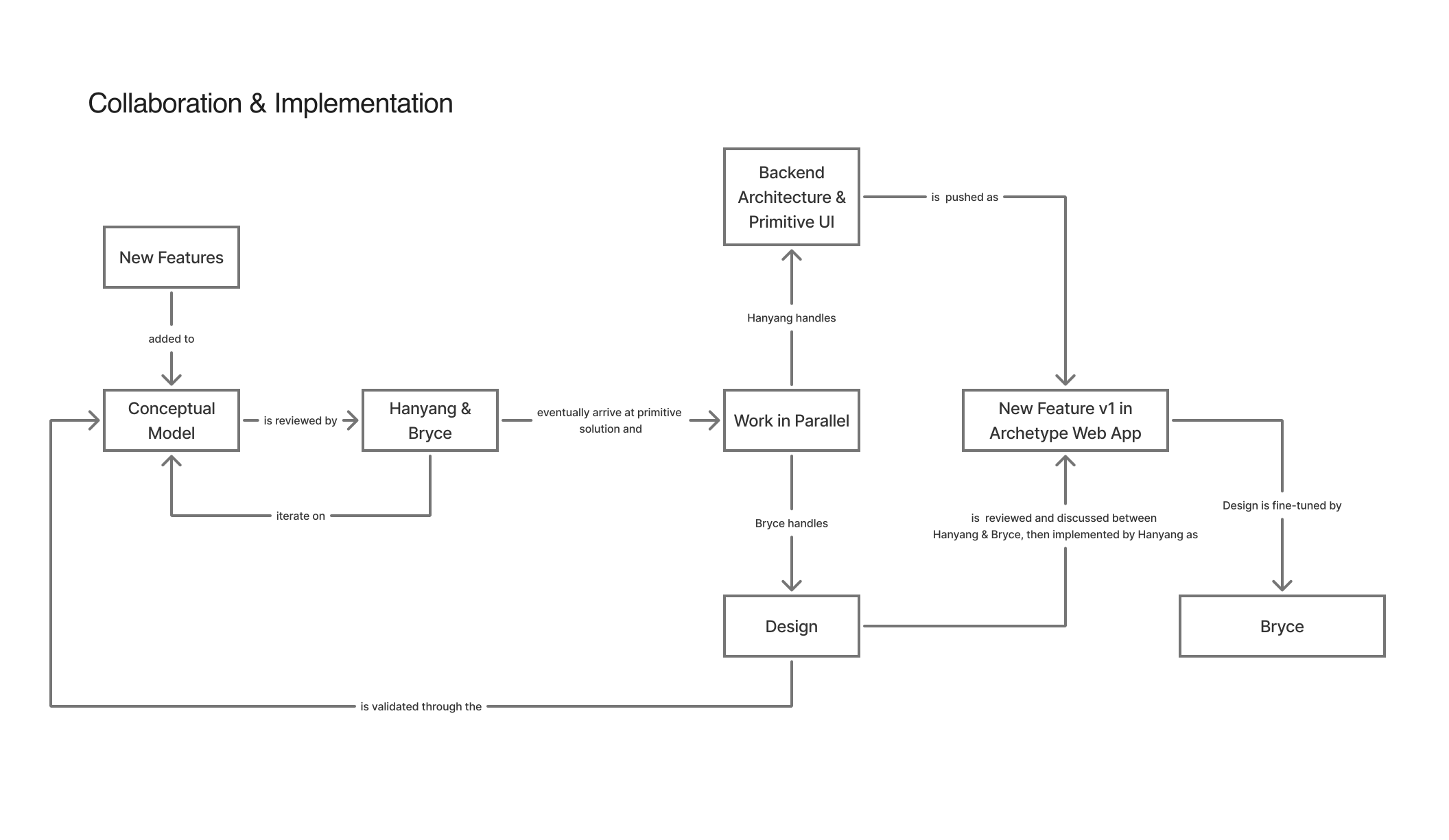
Collaborating with Onlook's technical-lead, I implemented the final solution using a combination of Cursor and Codex.
Impact
- Enhanced AI response accuracy through improved contextual prompting
- Streamlined user workflow eliminating manual context retrieval
- Increased user satisfaction and time on project through better AI-agent interaction experience